Email Event Sharing
Offstreet allows parking teams to easily communicate parking information to event hosts by sending pre-formatted instructions directly from the platform.
Offstreet streamlines event communication by letting parking teams prepare, preview, and share parking instructions with hosts directly from the platform. This helps reduce manual work, improves consistency, and makes it easier to send accurate event details every time.
Why This Matters
Historically, parking teams had to copy event links, write instructions manually, and send separate emails outside the platform. This often led to inconsistent messaging, extra back-and-forth, and avoidable errors.
Before this workflow, event host communication was more manual and time-consuming, especially when sharing repeatable details like links, QR codes, maps, and arrival instructions.
Now, teams can create or load templates, insert dynamic event details, attach files, and either send instructions from Offstreet or copy them into their own email system. This creates a more consistent and efficient process for sharing event information.
How it works
Once you finish creating an event in Offstreet, you are taken to the Share Event Instructions screen.
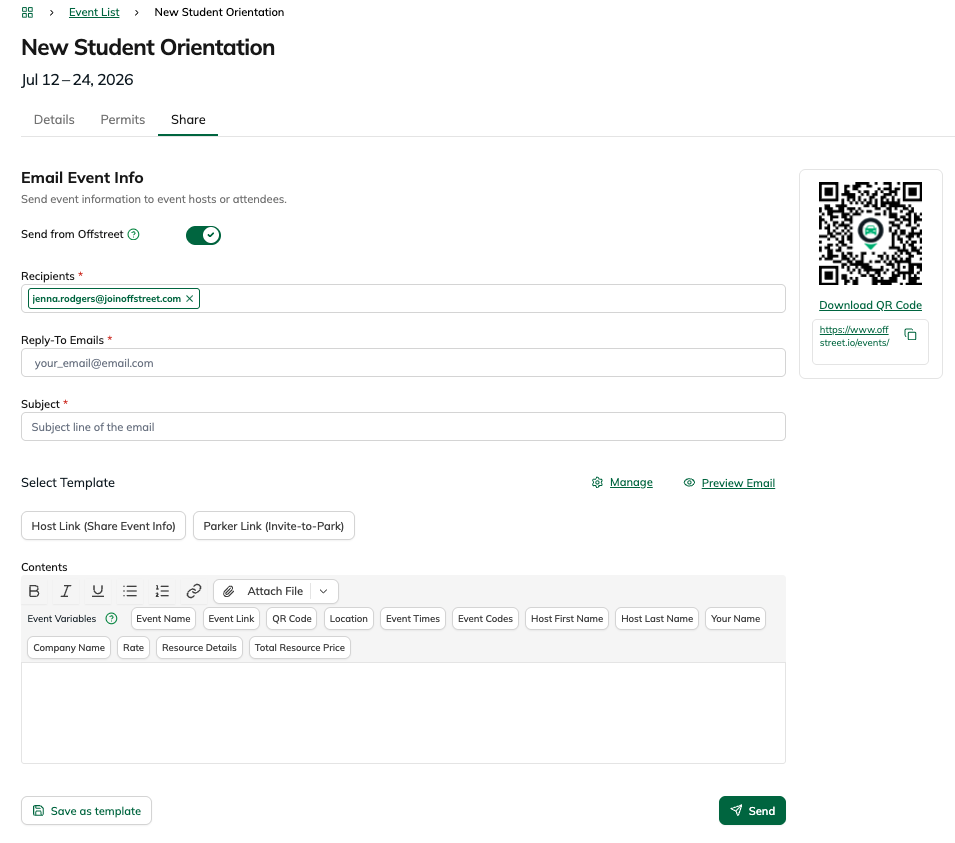
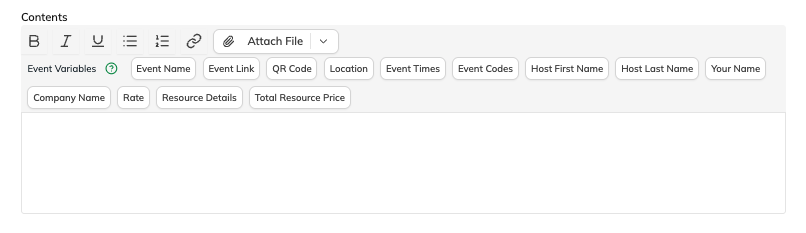
Use the text editor to write a custom message or click Load Template to select a saved template. You can insert dynamic placeholders like Event Name, Event Link, QR Code, Location, Event Times, Host First Name, Host Last Name, Your Name, and Company Name. These fields automatically populate with the correct event details.
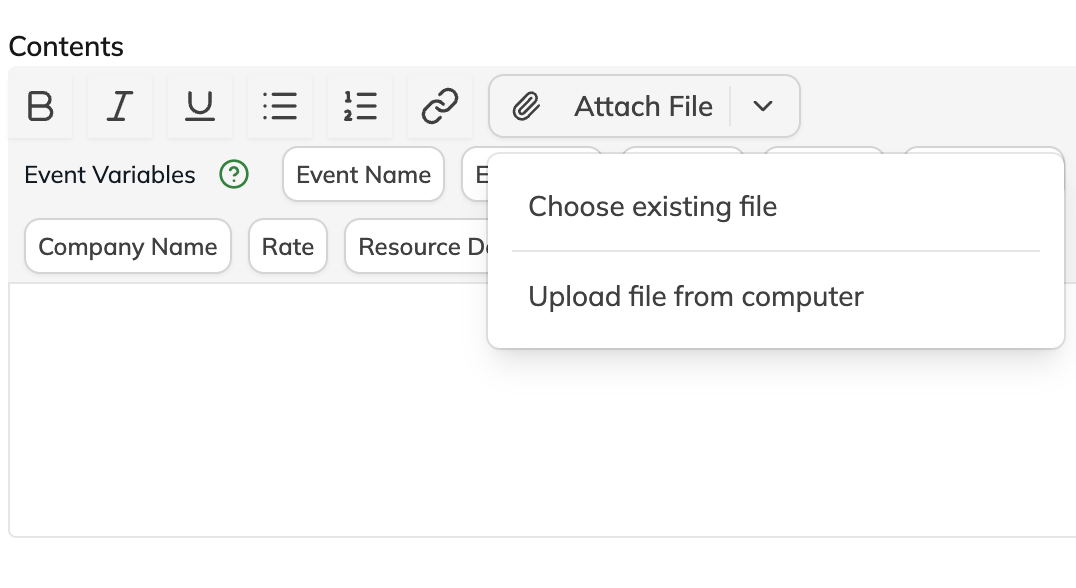
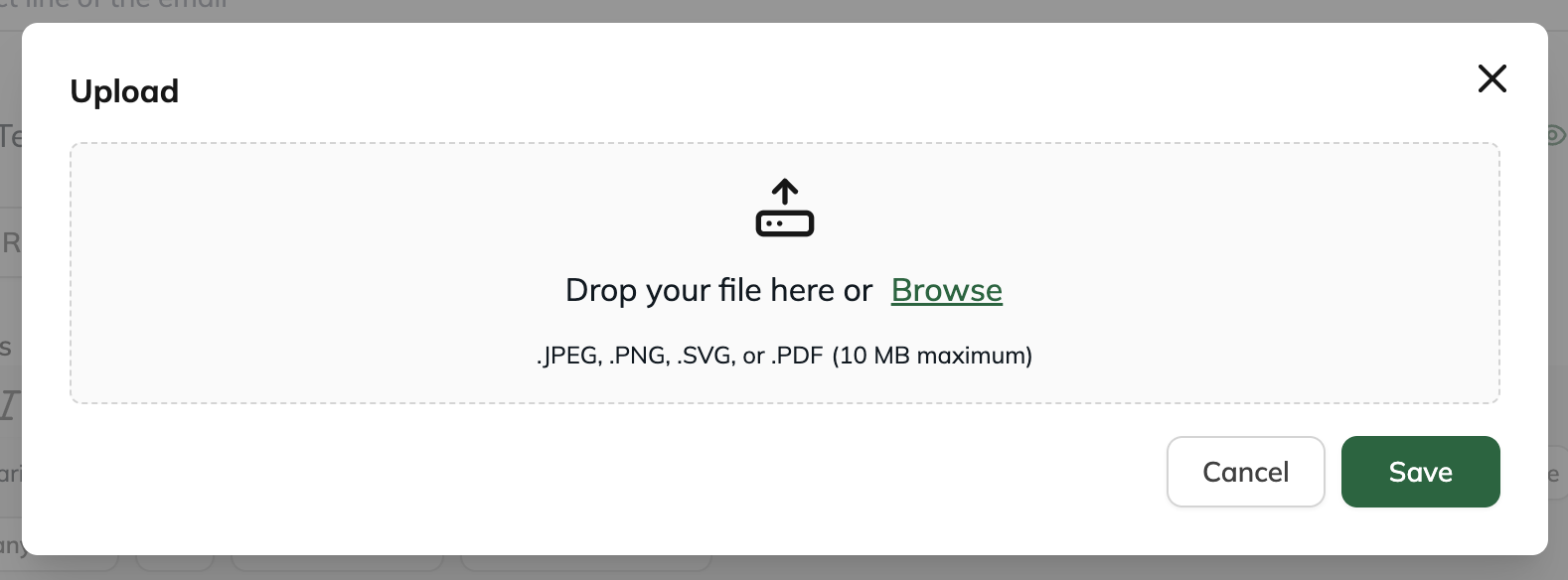
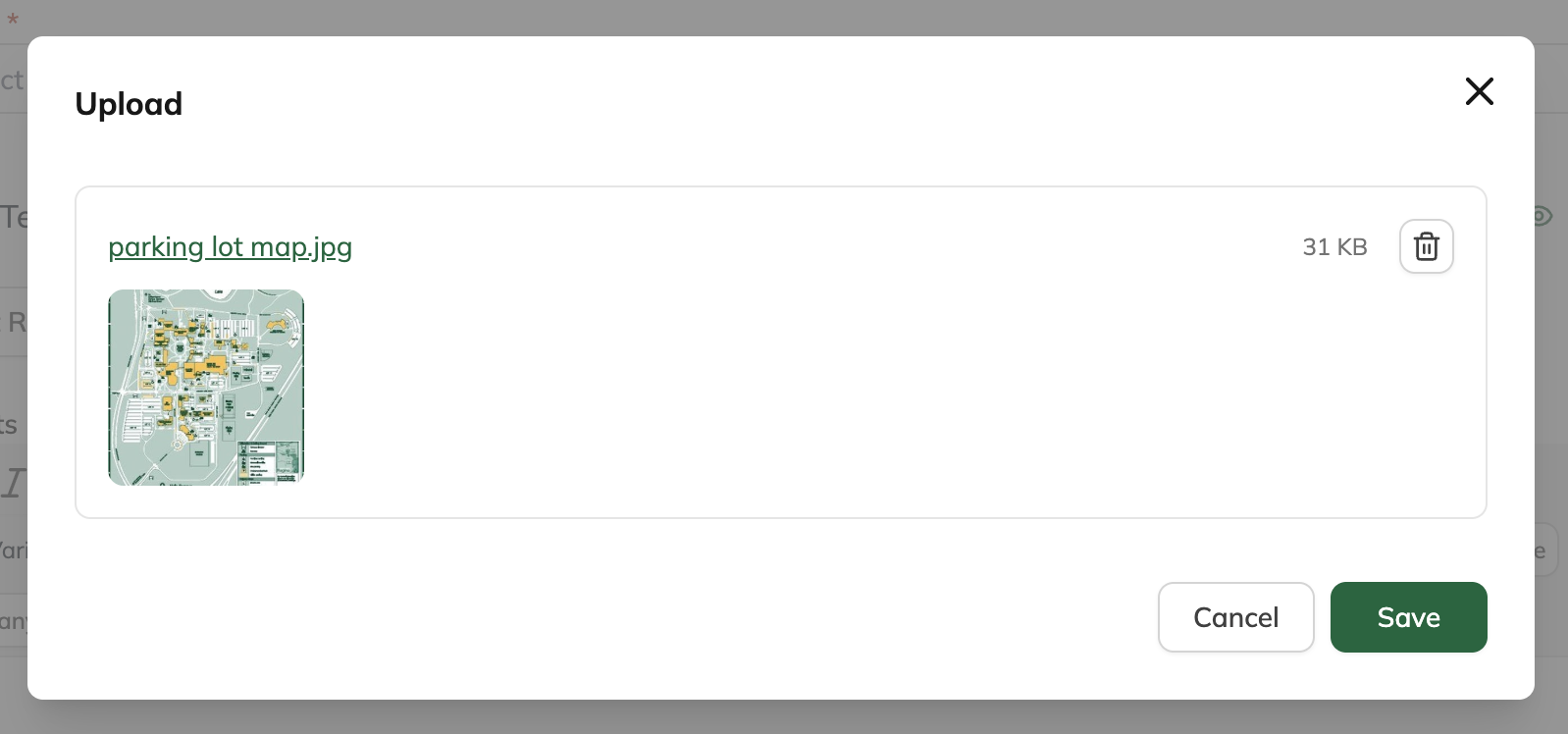
Upload parking maps or other supporting documents using the Add Attachments area. You can also select from previously saved files.
Choose how to send the message:
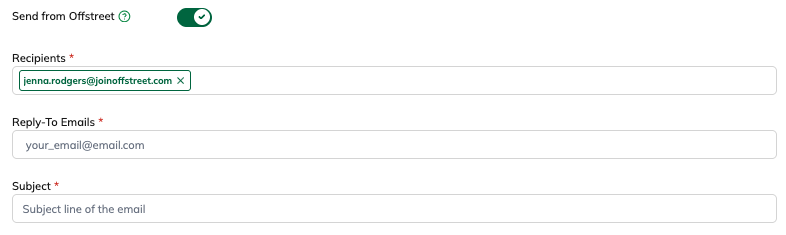
Send from Offstreet: Toggle on Send from Offstreet, then set your reply-to email, subject line, and recipients.
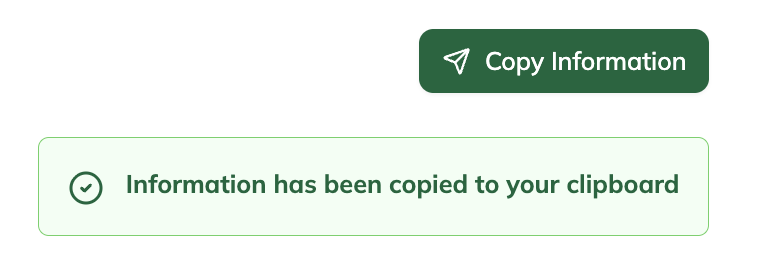
Send Manually: Leave the Send from Offstreet toggle off, then click Copy Instructions and paste the message into your own email.

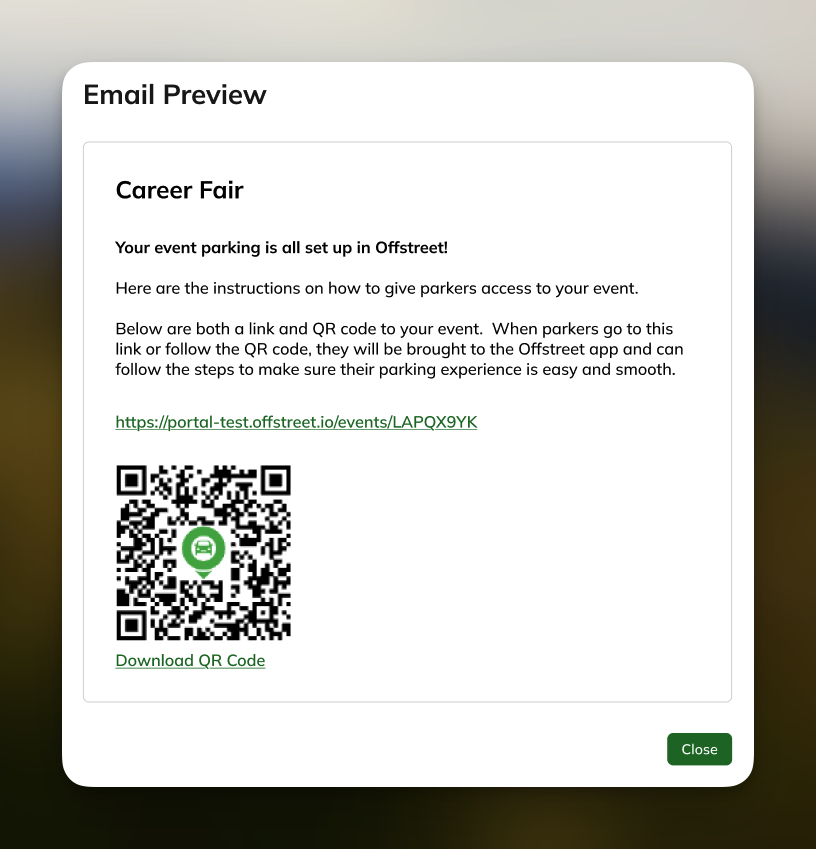
Click Preview Email to review the final message. Once everything looks right, click Send, or copy the text into your own system if you are sending it manually.
What could I use this for?
Universities
- Send parking instructions to event coordinators for campus events
- Share maps, links, and QR codes for guest or special event parking
- Standardize communication across departments and event types
Operators
- Quickly send hosts complete event parking instructions from one place
- Use saved templates to reduce manual work and maintain consistency
- Attach maps or supporting files to improve clarity for event guests and organizers
FAQs
What if my email ends up in junk?
Use the reply-to field or send the message manually from your own email system to improve deliverability.
Can I send to multiple event hosts?
Yes, you can enter multiple recipient email addresses separated by commas.
Will the QR code and event link be accurate?
Yes, dynamic placeholders automatically update with the correct details for each event.
Can I create my own templates?
Yes, you can create and save reusable templates in the Email Templates section in the left navigation.
What happens if someone replies to the Offstreet email?
Replies will go to the reply-to address you set. If no reply-to is configured, the reply may go to a no-reply inbox.
Was this article helpful?
That’s Great!
Thank you for your feedback
Sorry! We couldn't be helpful
Thank you for your feedback
Feedback sent
We appreciate your effort and will try to fix the article