Understanding Dates and Times Options
The Dates and Times section defines when a permit is valid.
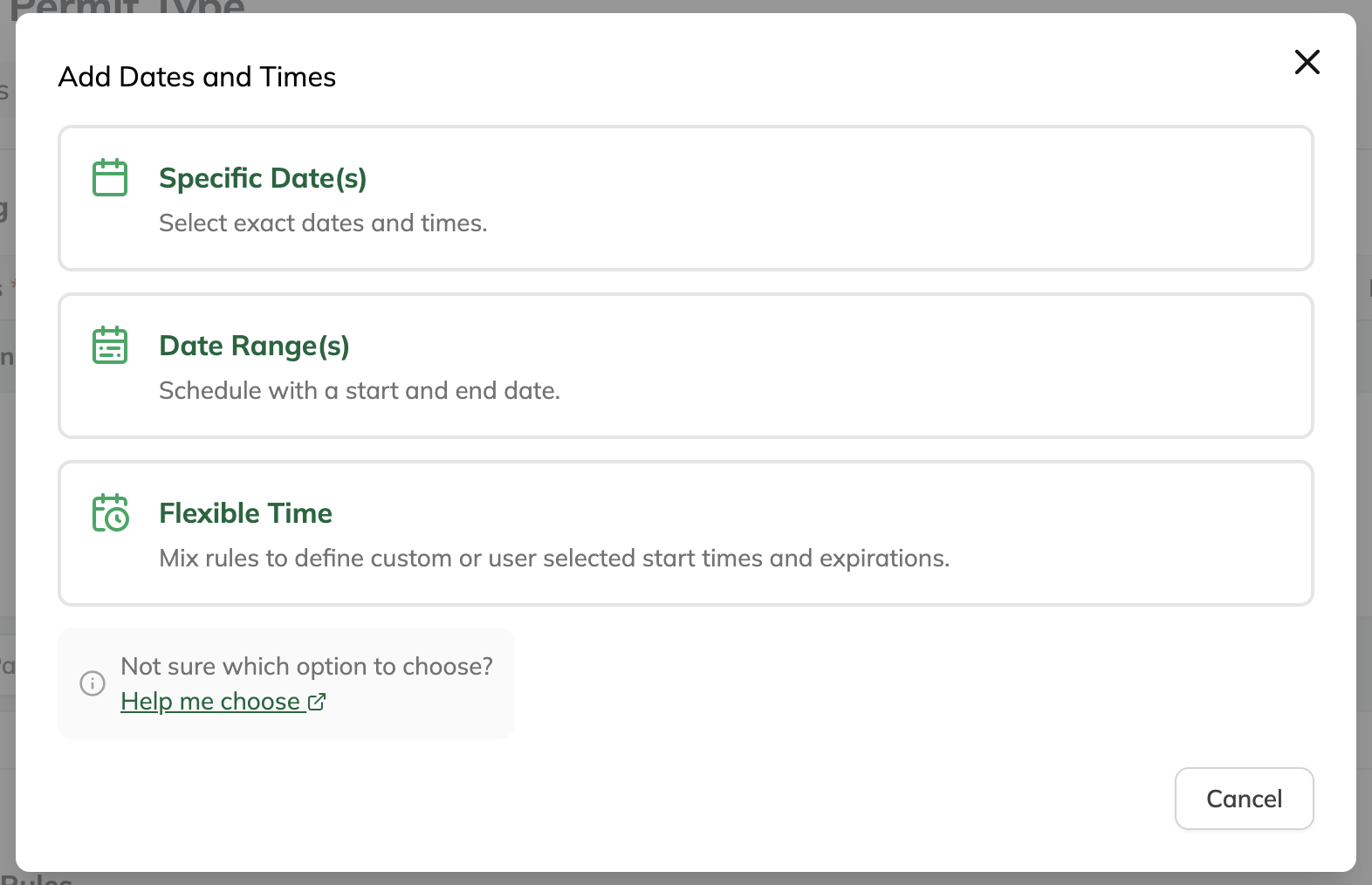
When setting up a Permit Type, you can choose from three scheduling options depending on how you want parking to behave:
- Specific Date(s) → Set exact dates and times
- Date Range(s) → Define a start and end period
- Flexible Time → Allow users to choose start and/or end times based on rules
Each option is designed for a different type of use case.
Specific Date(s)
Best for: One-off or very specific schedules
Use this when you want to define exact dates and times that parking is valid.
Examples:
- “June 1 from 5:00 PM to 9:00 PM”
- “July 10 from 8:00 AM to 4:00 PM”
Choose this if:
- You know the exact dates and times ahead of time
- Each date is intentional and fixed
- You’re setting up something like an event or special access window, like an interview or meeting
Date Range(s)
Best for: Continuous coverage over a period
Use this when parking should be valid for a continuous stretch of time between a start and end.
Examples:
- “Valid from June 1 to June 30”
- “Active Monday at 8:00 AM through Friday at 5:00 PM”
Choose this if:
- Parking should always be available during that window
- You don’t need to break it into individual dates or times
- You want something simple like a weekly pass or temporary access period
Flexible Time
Best for: Rules-based or user-driven timing
Use this when you want to combine rules or allow users to choose their own start and/or end times within defined limits.
Examples:
- “User selects start time, expires after 2 hours”
- “Only valid on weekdays, between 9:00 AM and 5:00 PM”
- “Maximum duration is 3 days from the start time”
Flexible Time allows you to control:
- When a permit can start (for example, user-selected or restricted to certain days)
- When it expires (for example, after a duration, same day, or a specific time)
You can also apply additional restrictions, such as:
- Minimum or maximum duration
- Time increments (for example, 30-minute intervals)
- Daily time windows
- Availability windows (when registration is allowed)
Choose this if:
- You need more control or flexibility
- Timing depends on rules rather than fixed dates
- You want to support multiple use cases within a single setup
- You’re setting up continuous-use options like hourly parking or day permits
How to Choose
- Use Specific Date(s) when the date or schedule is fixed and tied to exact date(s) and time(s)
- Use Date Range(s) when parking should be continuous over a defined period
- Use Flexible Time when timing is based on rules or user selection, especially for ongoing or repeatable use cases like hourly or day permits
Was this article helpful?
That’s Great!
Thank you for your feedback
Sorry! We couldn't be helpful
Thank you for your feedback
Feedback sent
We appreciate your effort and will try to fix the article